Quick stats
- Servers: the total number of servers your bot is invited to.
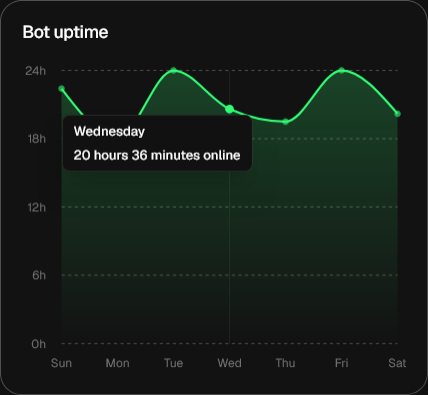
- Uptime: how long the bot has been online since its last start or restart.
- Members: the total amount of members across all servers your bot is in.
- Errors: how many errors you have not read or acknowledged yet.
- Commands, Events, Functions: the amount of each flow you have.
- Commands / hr: how many commands are run through your bot per hour, on average.
Recently edited
The Recently edited widget shows what commands you or your bot’s Collaborators have edited most recently. You can filter through the list using the Commands, Events, or Functions icons, as shown below.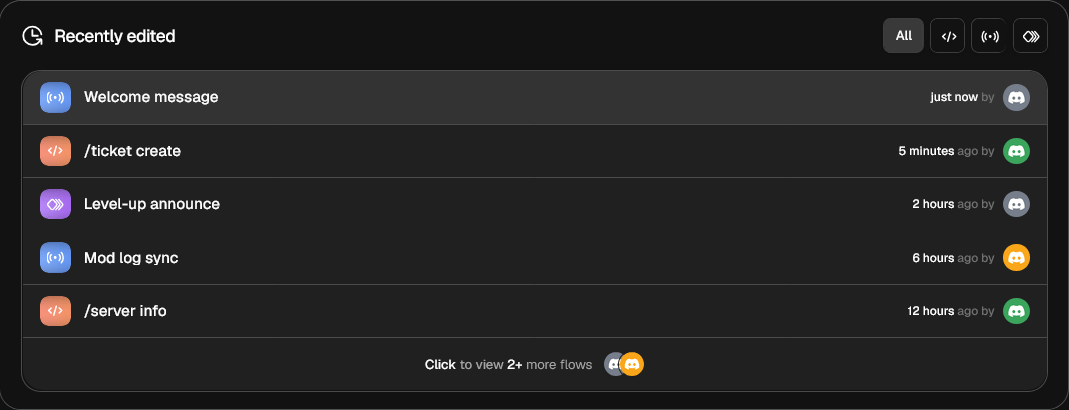
Current status
Right next to the Recently edited widget is the Status widget. In this widget, you can see your bot’s profile picture. Below that, you can find the bot’s current status (Online, Idle, DND, Streaming, Invisible), its status type (Playing, Watching, Custom, etc.), along with the custom status text.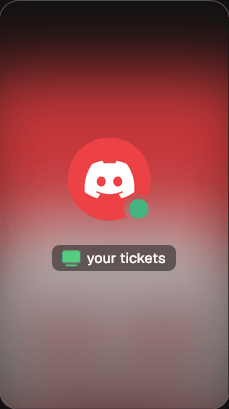
Flow composition
Inside the Flow composition block, you can see a breakdown of your bot’s Flow types. It shows how many of your Flows are what type (Command, Event, or Function).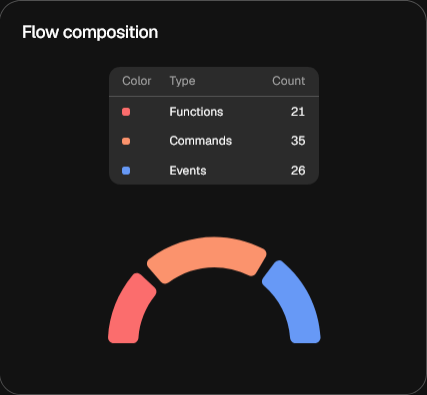
Bot usage
This widget shows how many times you or one of your collaborators have made changes to the bot.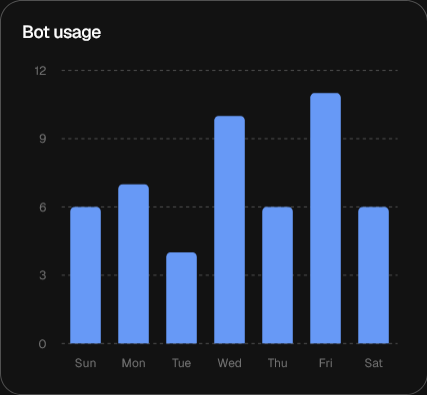
Bot uptime
This widget shows your bot’s uptime throughout the past week for each day.