> ## Documentation Index
> Fetch the complete documentation index at: https://docs.meridian.surf/llms.txt
> Use this file to discover all available pages before exploring further.
# Logs
Through the Logs page, you receive live updates from your bot. Find status changes, system status logs, and errors all live on your dashboard.
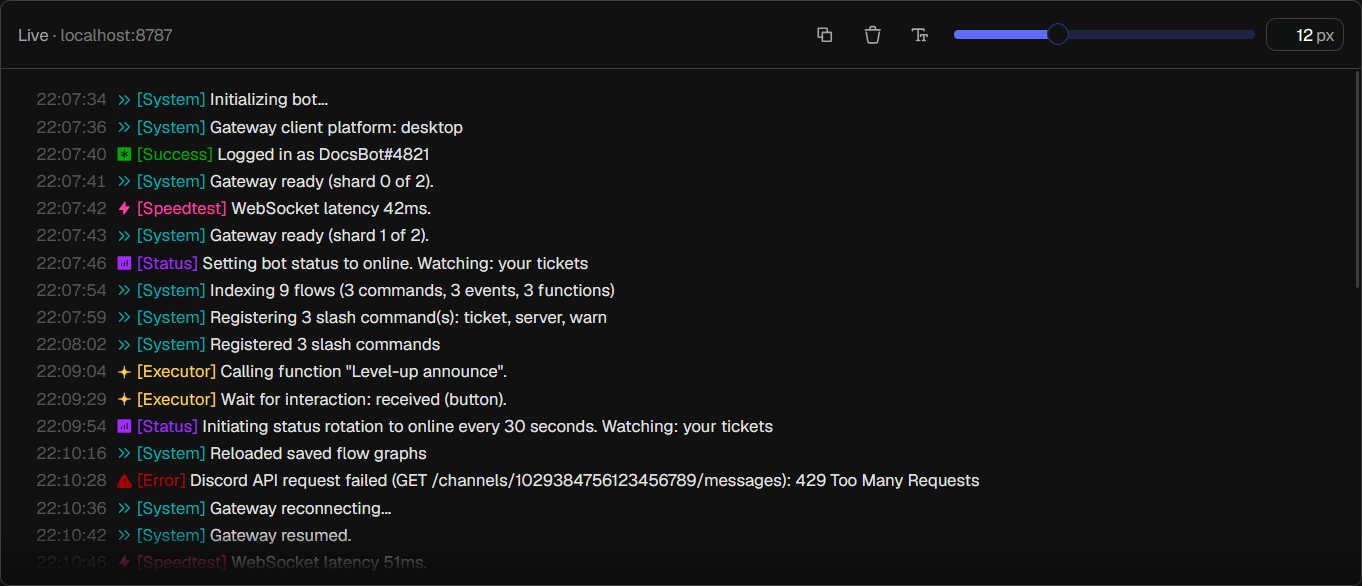 Inside the Logs toolbar, you can Copy all logs, Clear your logs, or resetting the custom text size you set. Using the slider, you can change the font size of the logs displayed.
# Other information
Below the Logs section, you can find more information on the status of your bot.
## Shards
See how many shards are registered for your bot and see more information on individual ping and uptime. You can also look up a server to find out what shard it is in for easier debugging.
Inside the Logs toolbar, you can Copy all logs, Clear your logs, or resetting the custom text size you set. Using the slider, you can change the font size of the logs displayed.
# Other information
Below the Logs section, you can find more information on the status of your bot.
## Shards
See how many shards are registered for your bot and see more information on individual ping and uptime. You can also look up a server to find out what shard it is in for easier debugging.
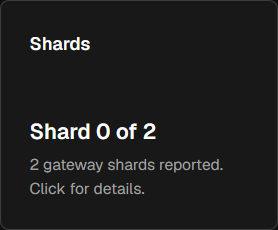
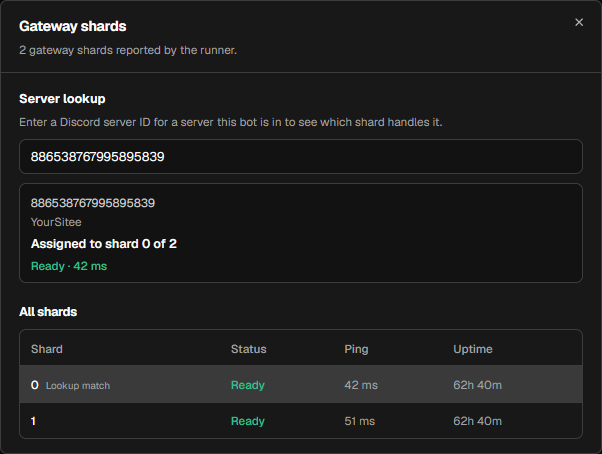 A shard is one connection your bot uses to talk to Discord. Bots in a lot of servers need multiple shards to keep up with the high amount of requests. Discord requires it past \~2,500 servers.
## Gateway status
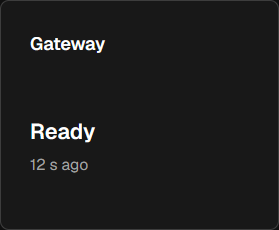
This shows if your bot is connected to the Discord Gateway (needed to do anything with Discord at all). If this is showing **Ready**, your bot should be online and function properly.
A shard is one connection your bot uses to talk to Discord. Bots in a lot of servers need multiple shards to keep up with the high amount of requests. Discord requires it past \~2,500 servers.
## Gateway status
This shows if your bot is connected to the Discord Gateway (needed to do anything with Discord at all). If this is showing **Ready**, your bot should be online and function properly.
 ## Ping
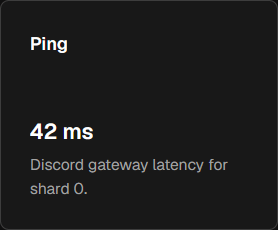
This shows the ping between your bot and Discord's servers.
## Ping
This shows the ping between your bot and Discord's servers.
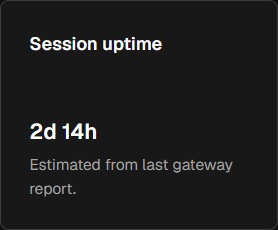
 ## Session uptime
This shows the estimated current uptime of your bot.
## Session uptime
This shows the estimated current uptime of your bot.